
emsCharts
Recognized by JEMS
as an EMS Today 2012
Hot Product



emsCharts mobile 3

With today's technology, emergency service personnel are able to collect electronic patient information in real-time by using emsCharts mobile software for tablet PCs and notebook computers. A secure and efficient companion software to emsCharts, emsCharts mobile facilitates mobile pre-hospital data collection and command control.
emsCharts mobile delivers all of the data input capabilities of emsCharts combined with the power of mobile computing. Installing emsCharts mobile on a mobile device allows the flexibility of mobile patient charting and data collection while providing advanced features such as the following:
- Touch-screen technology for easy, one-touch program navigation
- Quick Action screen for single-click events in rapid succession
- Handwriting recognition, signature support, and freehand notepad
- Reference Documents link for easy access to protocols, drug references, and other important resources
- Wireless data transfer abilities between devices, allowing BLS crews to share data with ALS or Air Medical services on-scene
- Large, user-friendly interface to facilitate rapid data entry
- Advanced reporting features available to build custom reports and to access over 100 standard reports
- Flexible & scalable to satisfy the needs of any service
- State-of-the-art data encryption for security and superior HIPAA compliance
The newest version of emsCharts mobile includes the following enhanced features:
Totally Refreshed Screens- Bigger Buttons
- Color Coding
- Standardization of button locations
- Standardized Toolbars
- Standardized "back" and "next" buttons
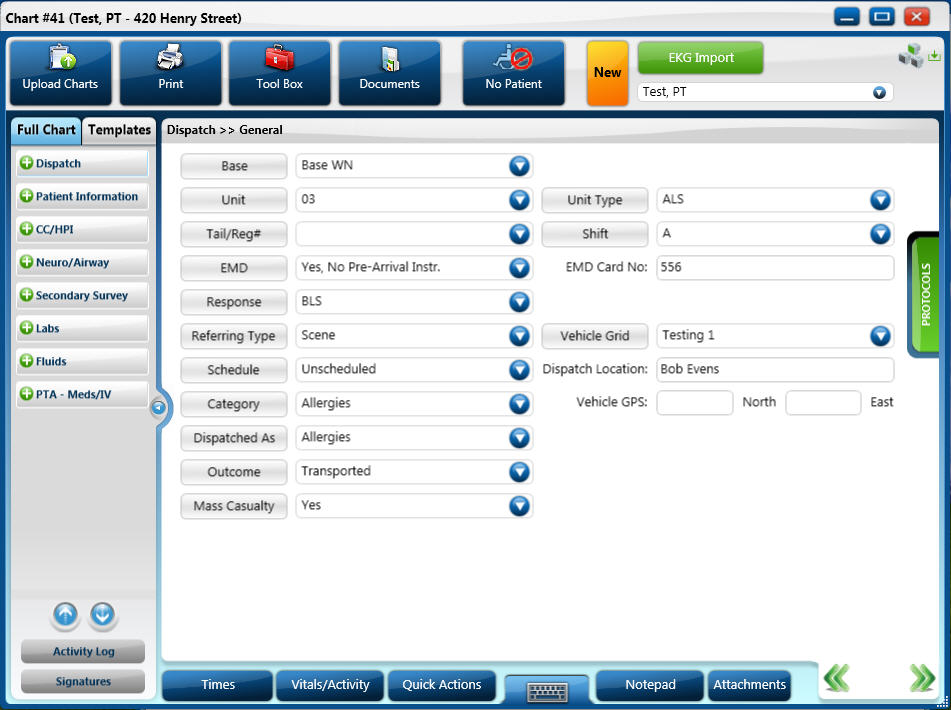 Hot Buttons
- Quickly jump to common pages
- Ability to create custom signature pages with check boxes and text fields
- page by page required fields
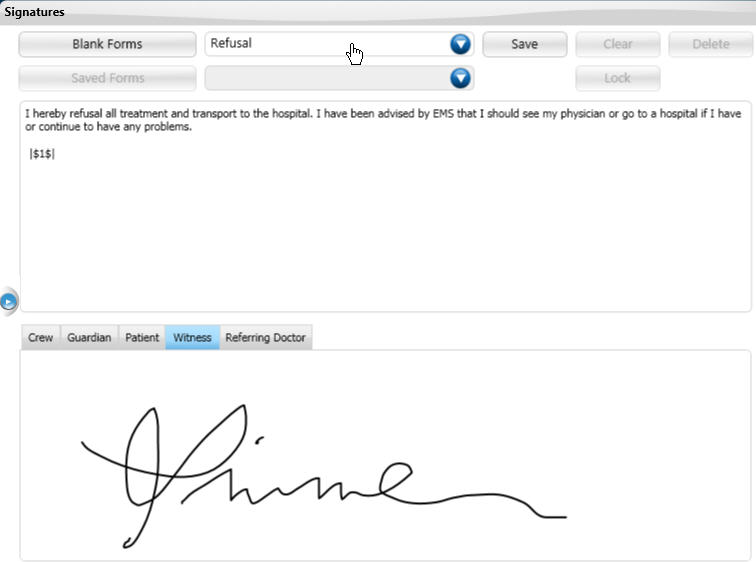
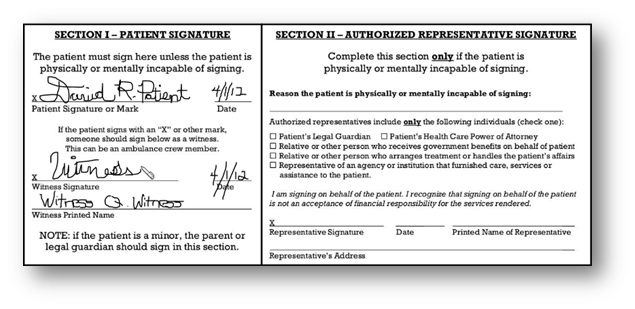 Page by Page Validations
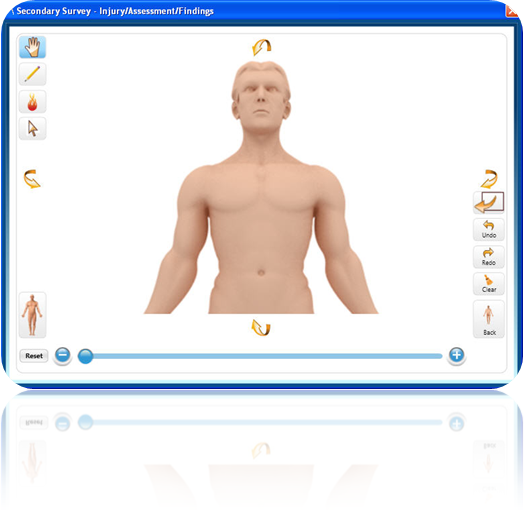
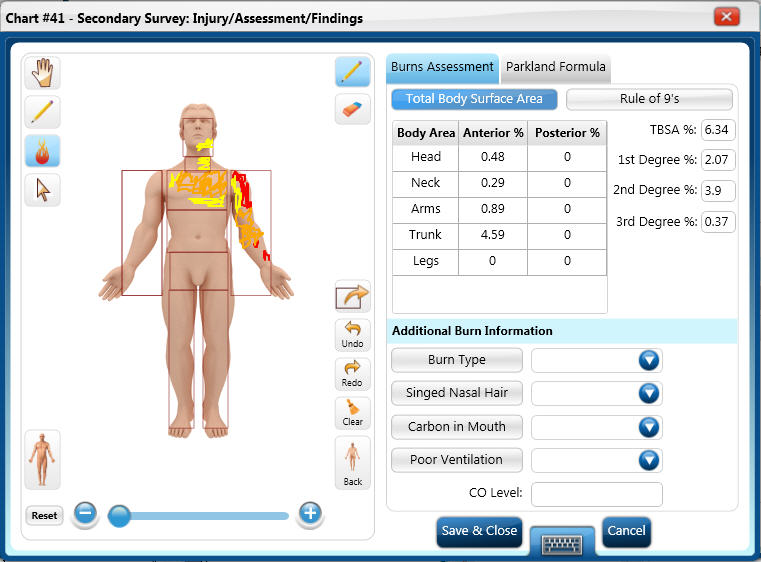
- Rotate 3-D on a 360 degree axis
- Zoom to specific location
- Adult, Child, Newly Born
- Male and Female
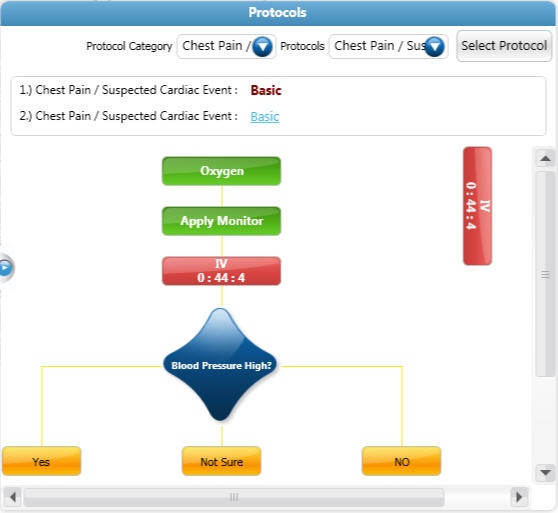
 Protocols
- Quick reference slide in/out protocol window
- Customizable to adapt to EMS agencies specific needs
- Interactive decision trees for changes in protocols
- Hot link to associated documents
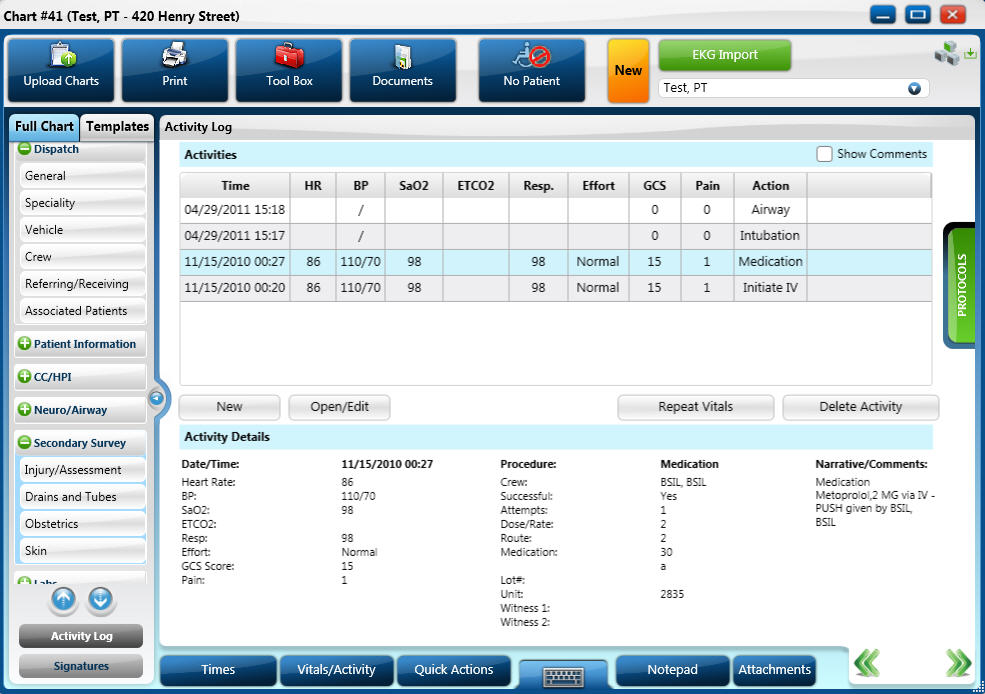
 Charting by Protocol
- Customized Protocol
- Once a protocol is viewed the buttons act as quick action buttons to fill out the activity log
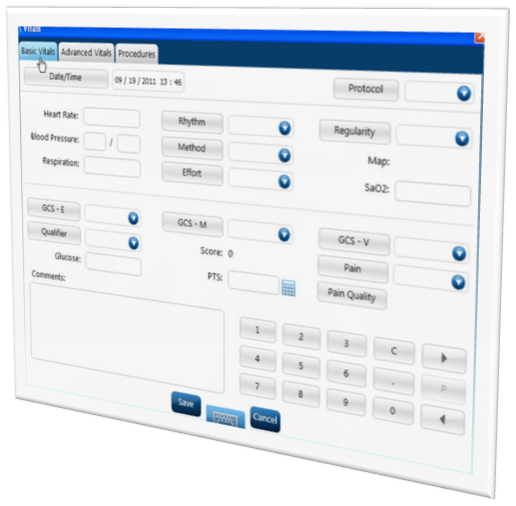
- Simple, easy to view chronological order of vital signs
- Simple or detailed view of procedure performed
- Vital signs tailored to call type (Basic vs. Advanced)
- Operating System: (Microsoft®)
- Windows® 7 (64 bit is supported as well)
- Windows® 8 (including tablets**). **Windows RT is not supported.
- Processor: Intel Core i3 Processor or higher (i5 is recommended)
- Memory (RAM): 4GB
- Disk Space: 100GB or 5GB free over operating system
- Display: 800 X 600 resolution
(Screen resolution should support 800 x 600. Should be resizable to 1024 x 768 without loss of any screen visibility.)
Note for EKG Monitor Import Customers:
Currently the Physio-Control, ZOLL and Philips Healthcare monitor import software support 64-bit and 32-bit Windows operating systems.
 sales@emsCharts.com

